Fell & Sell System Requirements
Can your PC run Fell & Sell? Check the specs.
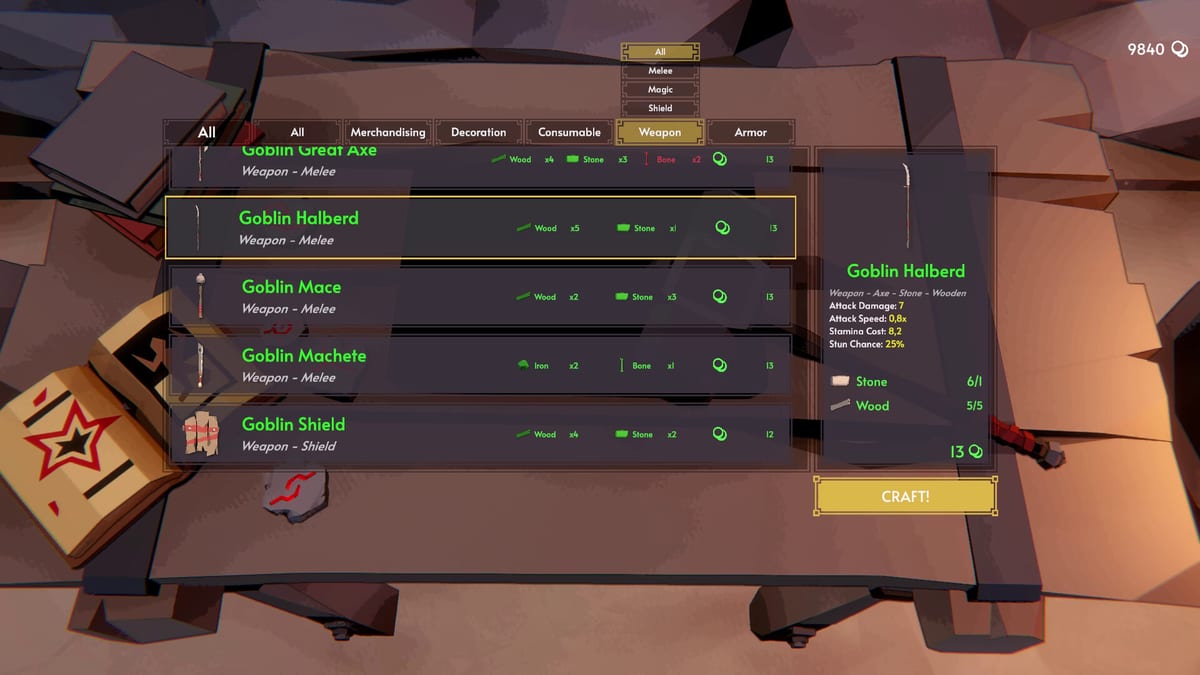
Fell & Sell is a 3D action game with stylized fantasy visuals. The good news: it is well-optimized and runs on a wide range of hardware. The minimum GTX 760 2GB is genuinely accessible for a game of this visual quality, and the recommended specs deliver smooth 60fps at 1080p on high settings.
Minimum requirements
- OS: Windows 8/8.1/10/11 (64-bit)
- Processor: Quad Core Processor or equivalent
- Memory: 8 GB RAM
- Graphics: GTX 760 2 GB or equivalent
- Storage: 4 GB available space
- Sound: DirectX compatible sound card
These are the official Steam minimums. In practice, the game runs on slightly older hardware but performance may be inconsistent.
Recommended requirements
- OS: Windows 8/8.1/10/11 (64-bit)
- Processor: Intel Core i7-4790K (or AMD Ryzen 7 1700)
- Memory: 16 GB RAM
- Graphics: NVIDIA GTX 970 or equivalent
- Storage: 4 GB available space
- Sound: DirectX compatible sound card
With these specs you should expect 60fps at 1080p on high settings in most areas. The dungeon with many enemies and particle effects may require lowering some settings.
Performance notes
The game uses stylized low-poly art that performs well on modest hardware. The most demanding scenes are:
- Large dungeon rooms with many simultaneous enemies and active particle effects.
- The Living Forest during thunderstorm events.
- Shop scenes with many decorated shelves and active customer NPCs.
All of these are manageable on recommended specs with minor settings adjustments.
Storage and installation
The game requires approximately 4 GB of storage. Installation is via Steam — standard download and install process. No additional launcher or runtime required beyond Steam.
Multiplayer notes
Fell & Sell is single-player only. There is no multiplayer mode. local multiplayer (not available) is not supported. Online multiplayer features beyond the single-player experience are not planned.
Platform availability
Currently available on PC via Steam. Mac and Linux versions are not available at launch. The developers have not announced console versions.
Steam Deck
The 27 August 2026 Gamepad Support patch made the game much more Deck-friendly because a pad map finally exists. The studio says handheld optimization continues. That is not Valve’s Verified badge. Install the latest build, drop SSAO and shadows if the unit thermal-throttles in Darkest Dungeon, and keep motion blur off (it already is). Details: Controller.
Launch week settings checklist
After the 27 August gamepad patch, confirm you are on the newest Steam build before blaming hardware. Cap frame rate if a laptop thermally throttles in Darkest particle fights, disable motion blur if it re-enables after a patch, and keep FOV comfortable down to the 40 floor fixed in 1.0.2. SSD is optional for the 4 GB install but shortens cabin-to-dungeon transitions when you bank often. Controllers and Deck notes live on Controller; key binds on Controls.
Practical launch-week targets
Aim for a stable 60 FPS in Shallow before you chase Ultra shadows in Darkest. If frame times spike when furniture particle lights meet customer crowds, lower shadows first, then SSAO. Fullscreen exclusive can reduce stutter on older CPUs when alt-tabbing to the Quest Board wiki mid-session. Steam Overlay and browser overlays both cost frame time on minimum GPUs — close what you do not need while selling. For pad play on Deck-class hardware, prioritize the newest build over fancy presets; the 27 August map matters more than an extra anisotropic filter click. More context: Controller, Updates, Review.
Storage, cloud saves, and verify integrity
Keep a few gigabytes free beyond the 4 GB install so Steam can patch without choking. After a failed hotfix download, use Verify Integrity before you assume a furniture or Quest Board bug returned. Cloud saves help when you switch between desktop and Deck, but finish an extract and return to the cabin before you quit so the banked haul is on disk. If the store still shows a launch discount, that is unrelated to install size — it only changes what you pay on Steam.
Frequently Asked Questions
Quick answers to the most common questions.
Can I run Fell & Sell on a laptop with integrated graphics?
Possibly on minimum settings, but integrated graphics (Intel UHD, AMD Vega) will struggle. The GTX 760 minimum is a dedicated GPU. If you have no dedicated GPU, expect low framerates and potential crashes in heavier scenes.
Does the game support ultrawide monitors?
Yes, the game supports ultrawide resolutions. UI elements are designed to work across common aspect ratios. Some cutscenes may have pillarboxing on extreme ratios.
Is the game locked to 60fps or does it support higher refresh rates?
The game supports unlocked framerates and works with high refresh rate monitors. V-sync can be disabled in settings for competitive play.
Do I need a SSD or will HDD work?
HDD works fine — the game is only 4 GB. SSD reduces load times, especially when transitioning between the shop and dungeon, but is not required.